01
SCAN
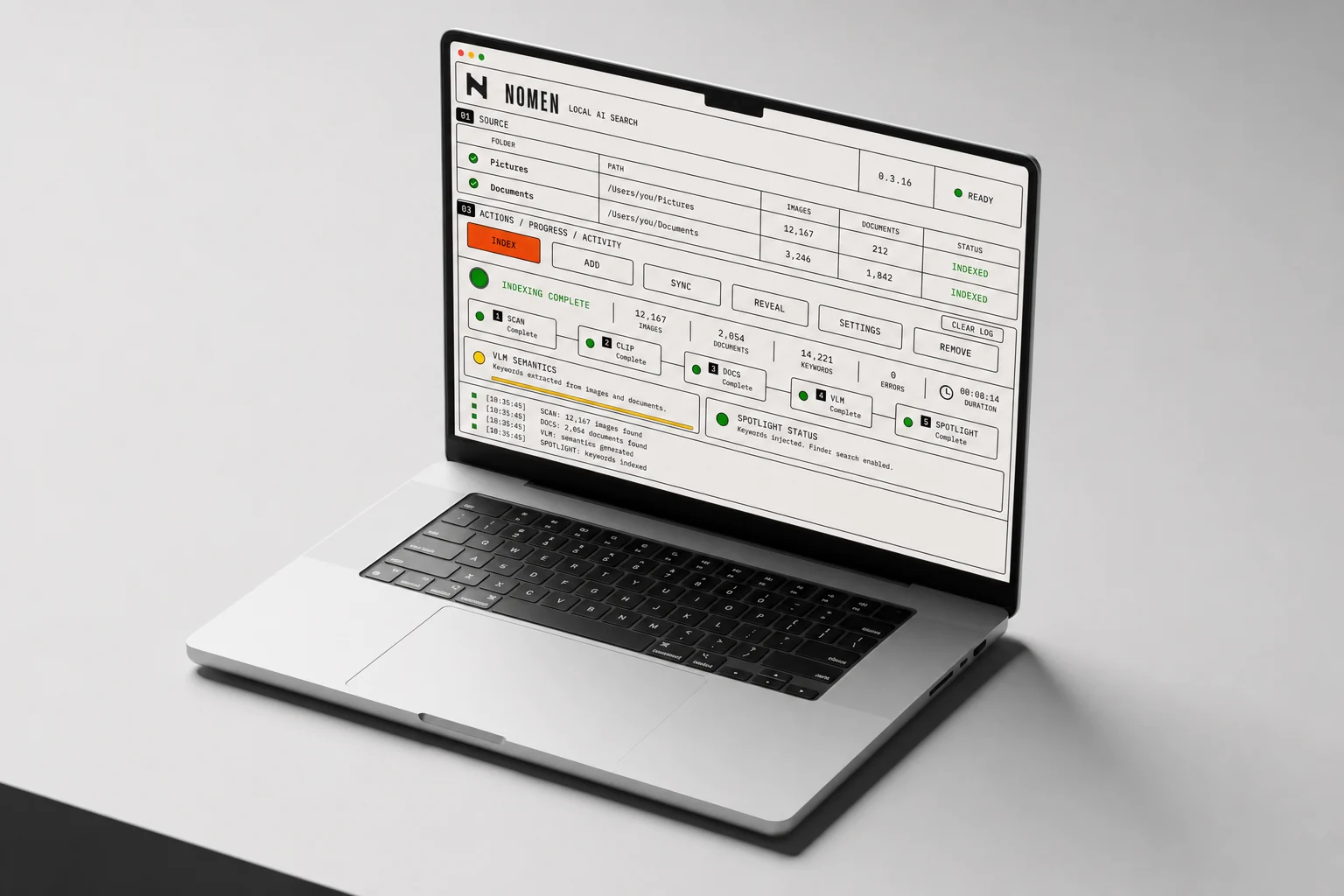
Add existing folders. NOMEN detects supported images and documents incrementally without moving source files.
 NOMEN
LOCAL AI SEARCH
NOMEN
LOCAL AI SEARCH
HOW IT WORKS / LOCAL TO NATIVE
NOMEN understands what your files contain, then publishes useful keywords to the search tools already on your computer.
Add existing folders. NOMEN detects supported images and documents incrementally without moving source files.
CLIP provides a fast baseline; optional local VLM models create precise descriptions and 20–50 useful search terms.
NOMEN writes keywords to native file metadata. Finder and Spotlight retrieve the result without a second catalog app.
A narrow, legible tool for making real folders searchable — without becoming a photo library or cloud DAM.
JPEG, PNG, WEBP and common office/document formats are processed locally.
Only new or changed files need heavy processing after the first pass.
Precise VLM terms replace CLIP when available; CLIP keeps every other image searchable.
Check several folders and process them sequentially in one controlled job.
Choose the maximum number of precise search terms written for each VLM image.
Stop a long job, unload the model and still publish every result already completed.
The application remains a transparent processing instrument. Search happens where you already work.